
Windows · DayZ hosting toolkit
DayZ Server Manager
Three apps that work together: host DayZ on Windows with Zylo Server Manager, run live ops with Manager App, and give your team access with Remote App.
Zylo Server Manager
The host panel for DayZ dedicated servers. Install server files, manage multiple instances, Workshop mods, configs, logs, and backups — from one local web UI.
Video
Screenshots
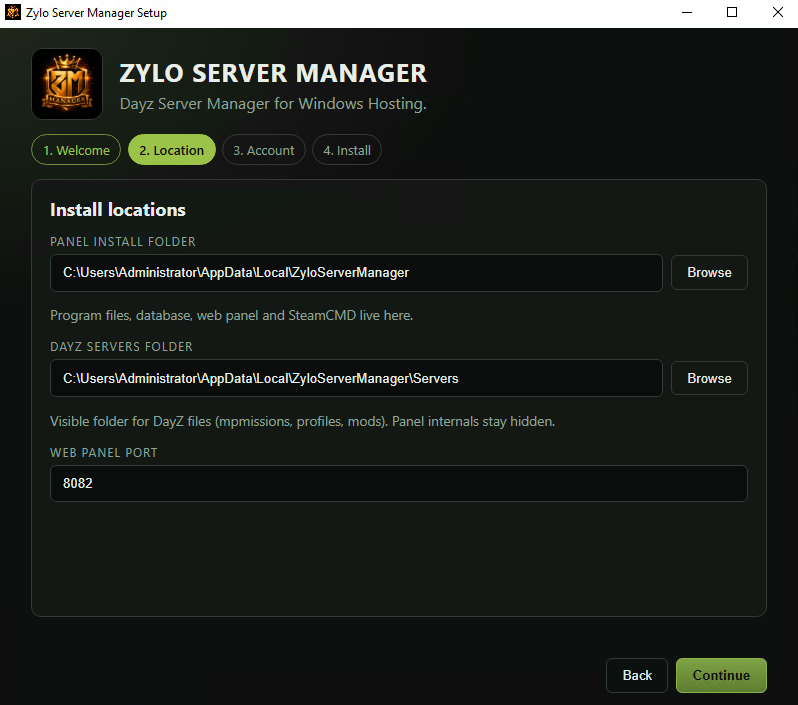
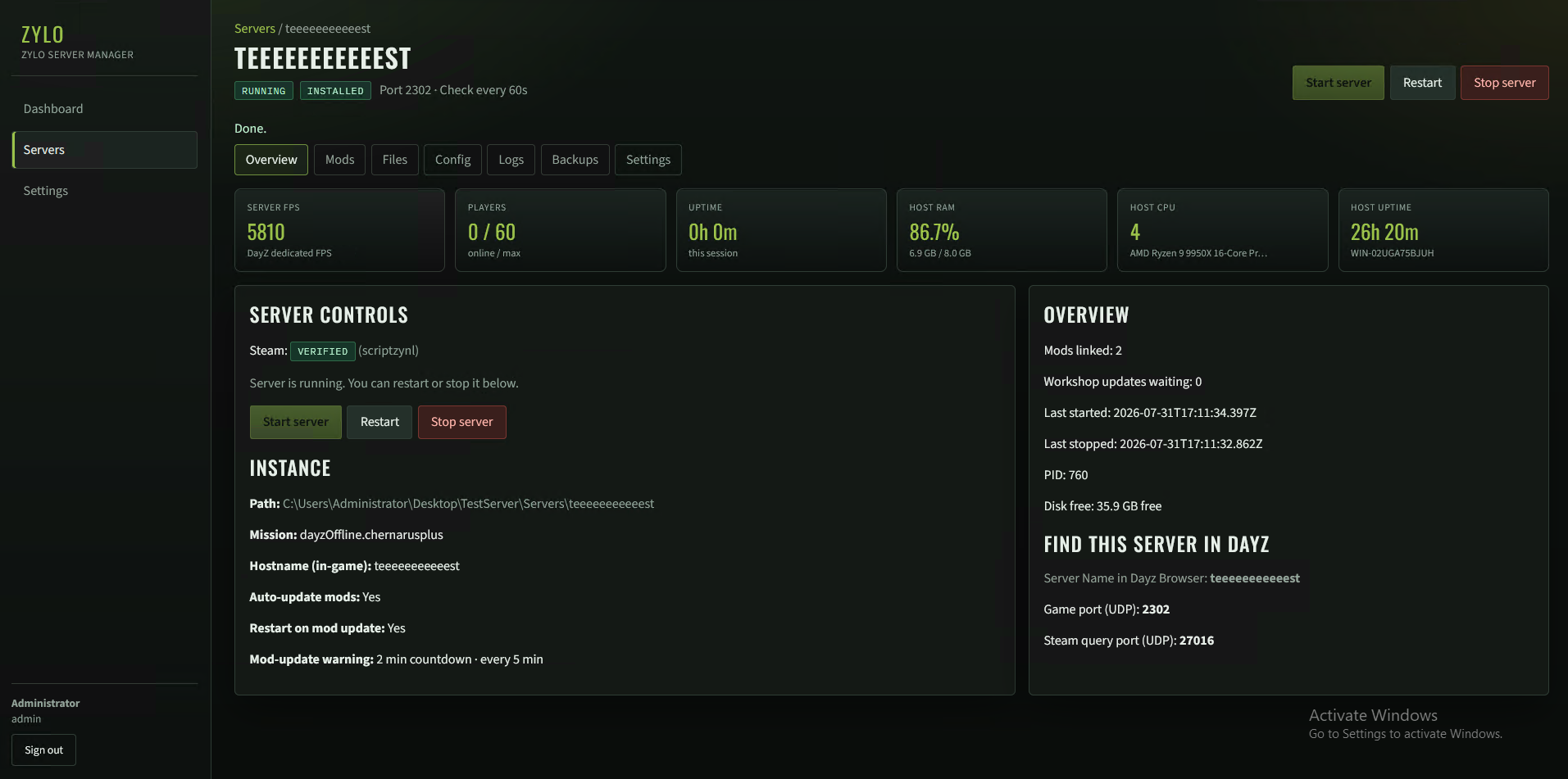
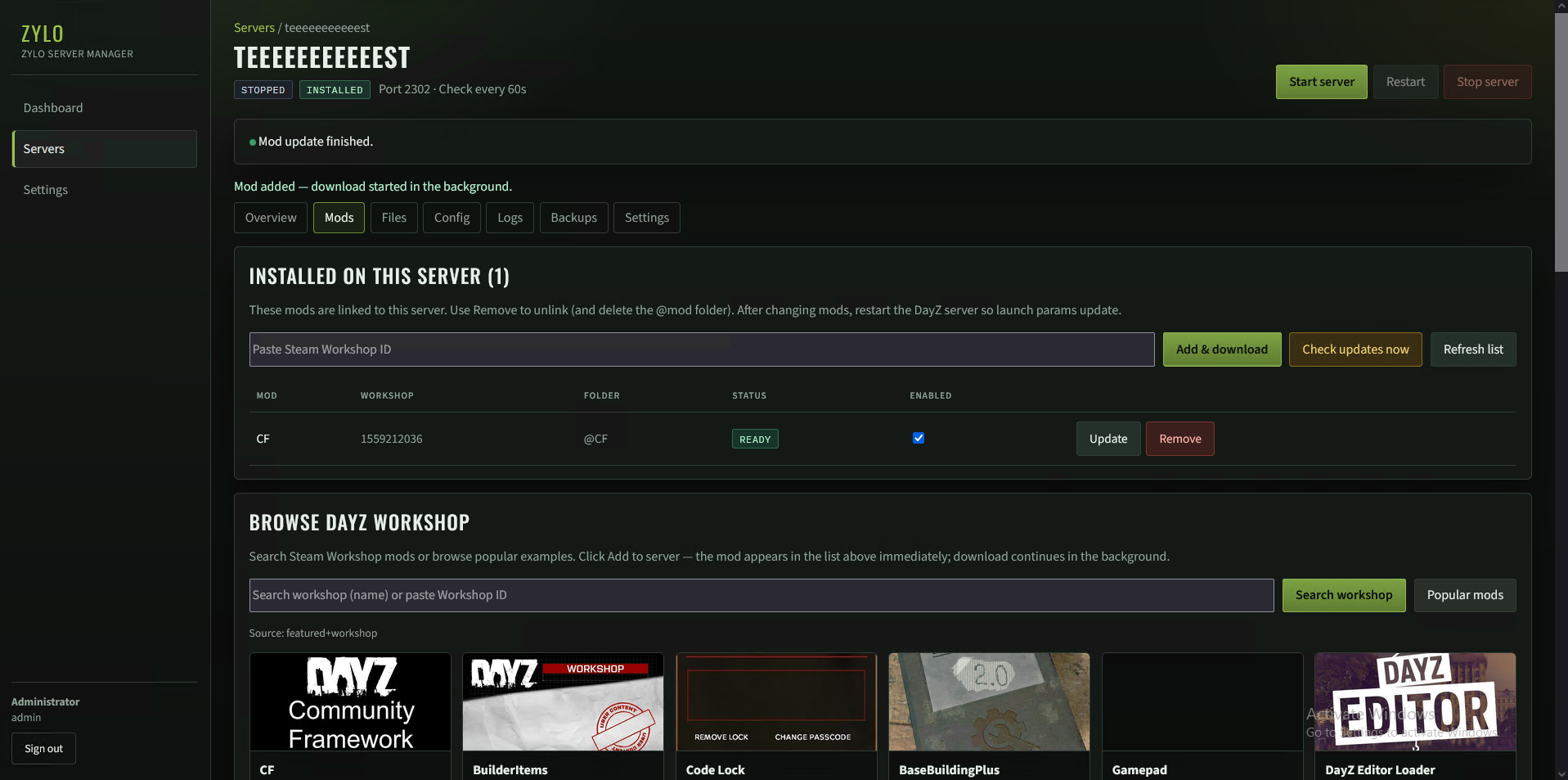
- Multi-server dashboard — status, ports, mods, and activity at a glance
- SteamCMD + Steam login — install and update DayZ dedicated files
- Workshop mods — client and server-only mods, order, auto-update checks
- Auto-update restarts — RCON countdown warnings, then apply updates
- Files, config, logs, backups — edit
serverDZ.cfgand more in-panel - AI Assistant — paid add-on (same Ko-fi license): propose file edits with Accept / Decline
Zylo Manager App
Paid Windows addon for live DayZ ops. Links to Server Manager with your Panel ID and API key — players, map, chat, bans, schedules, and team accounts.
Video
Screenshots
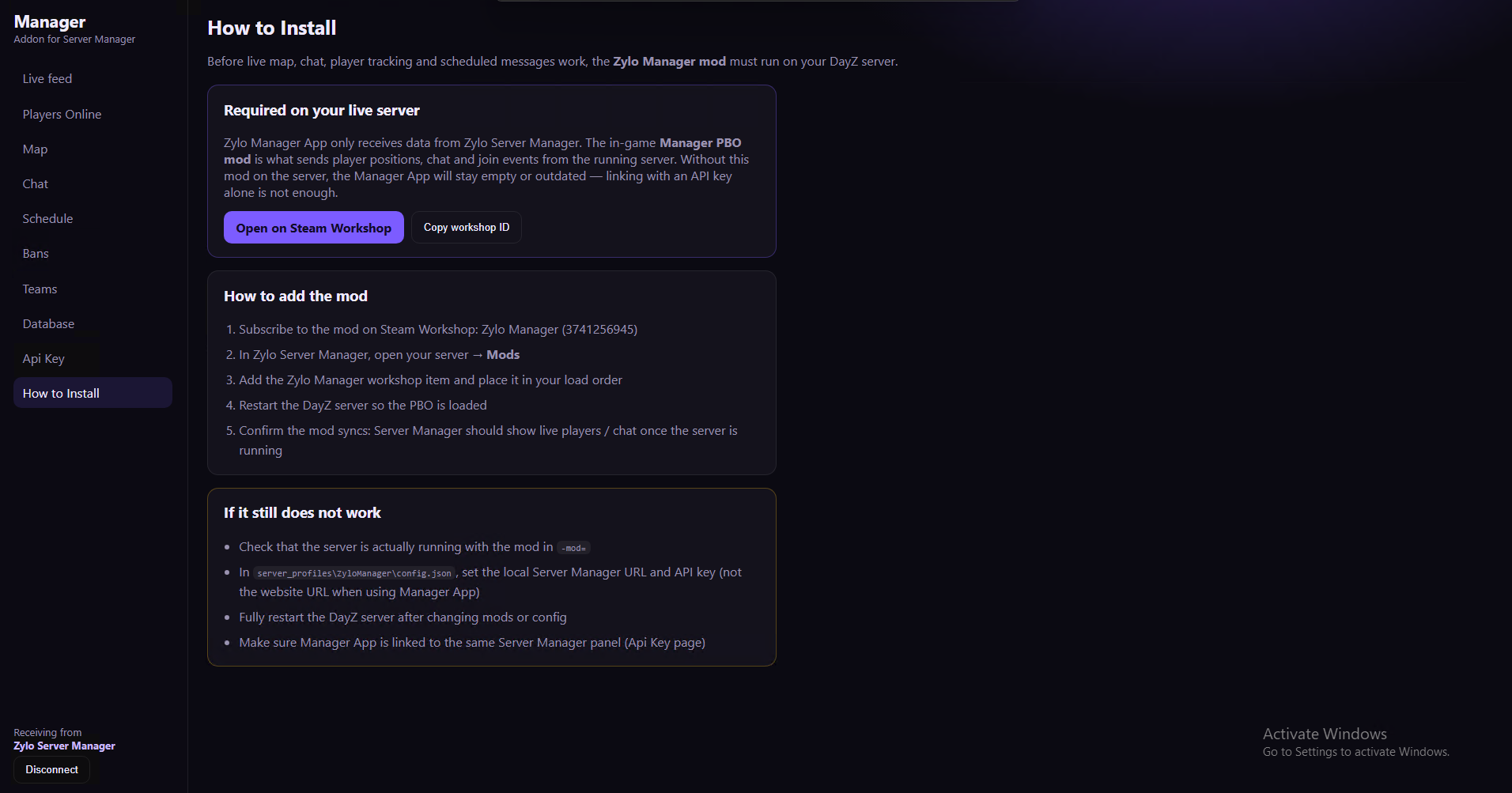
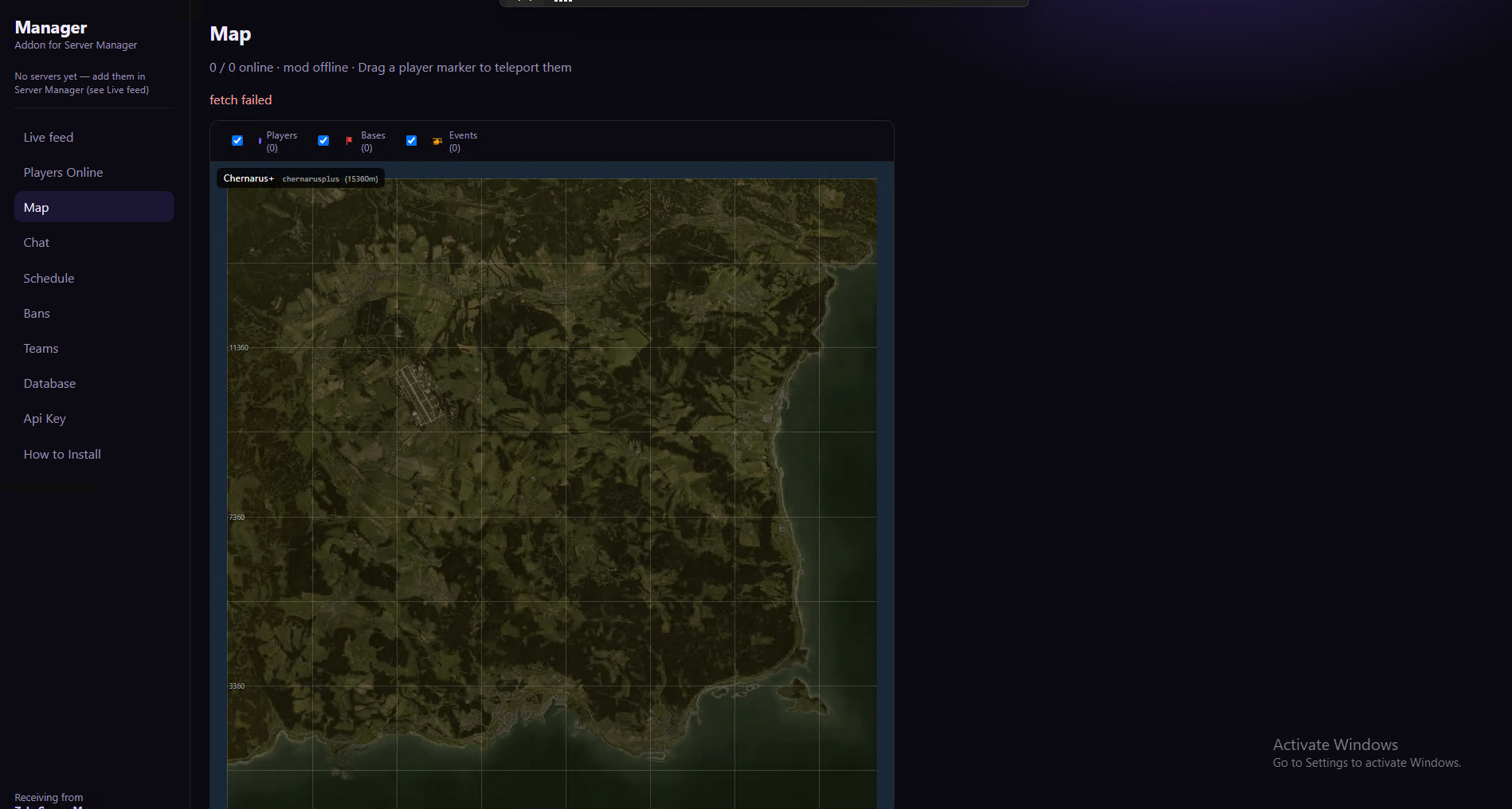
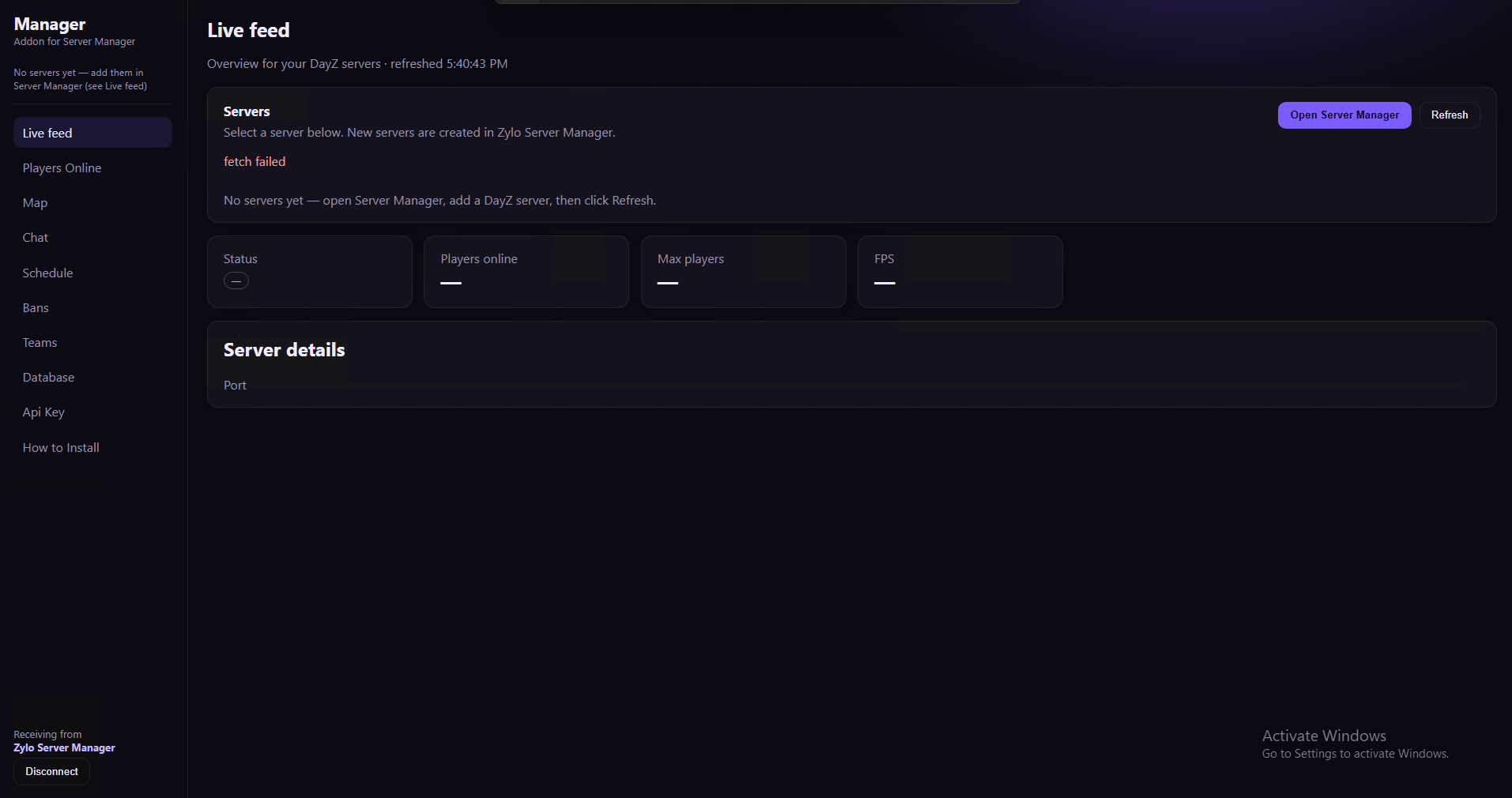
- Link to Server Manager — panel URL + API key (same PC as your license)
- Players Online — live list with kick / heal / give (permissioned)
- Live map — players, bases, events; drag-to-teleport
- Chat & schedule — live chat, broadcasts, welcome messages
- Bans & database — ban/unban, shareable banlists, player history
- Teams — create Remote App logins with granular permissions
Zylo Remote App
Team login client for remote access. Staff sign in with the Server Manager address and a team account created in Manager App — only the pages you grant them.
Video
Screenshots
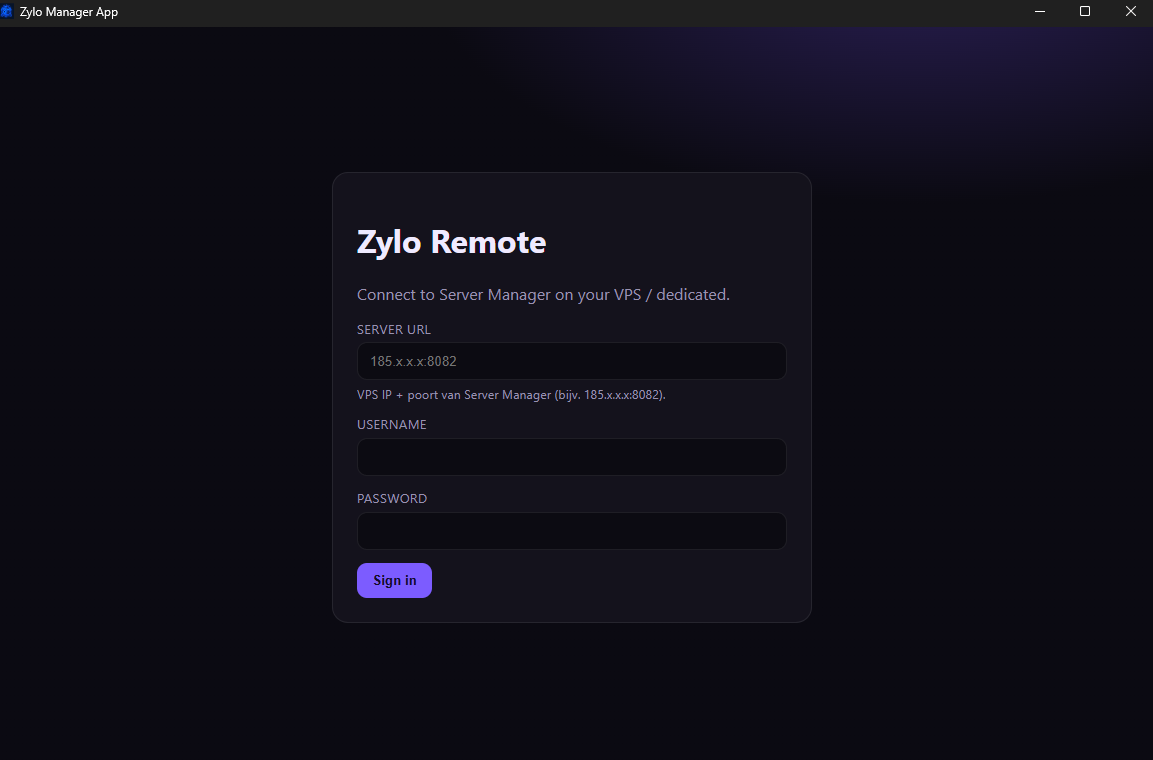
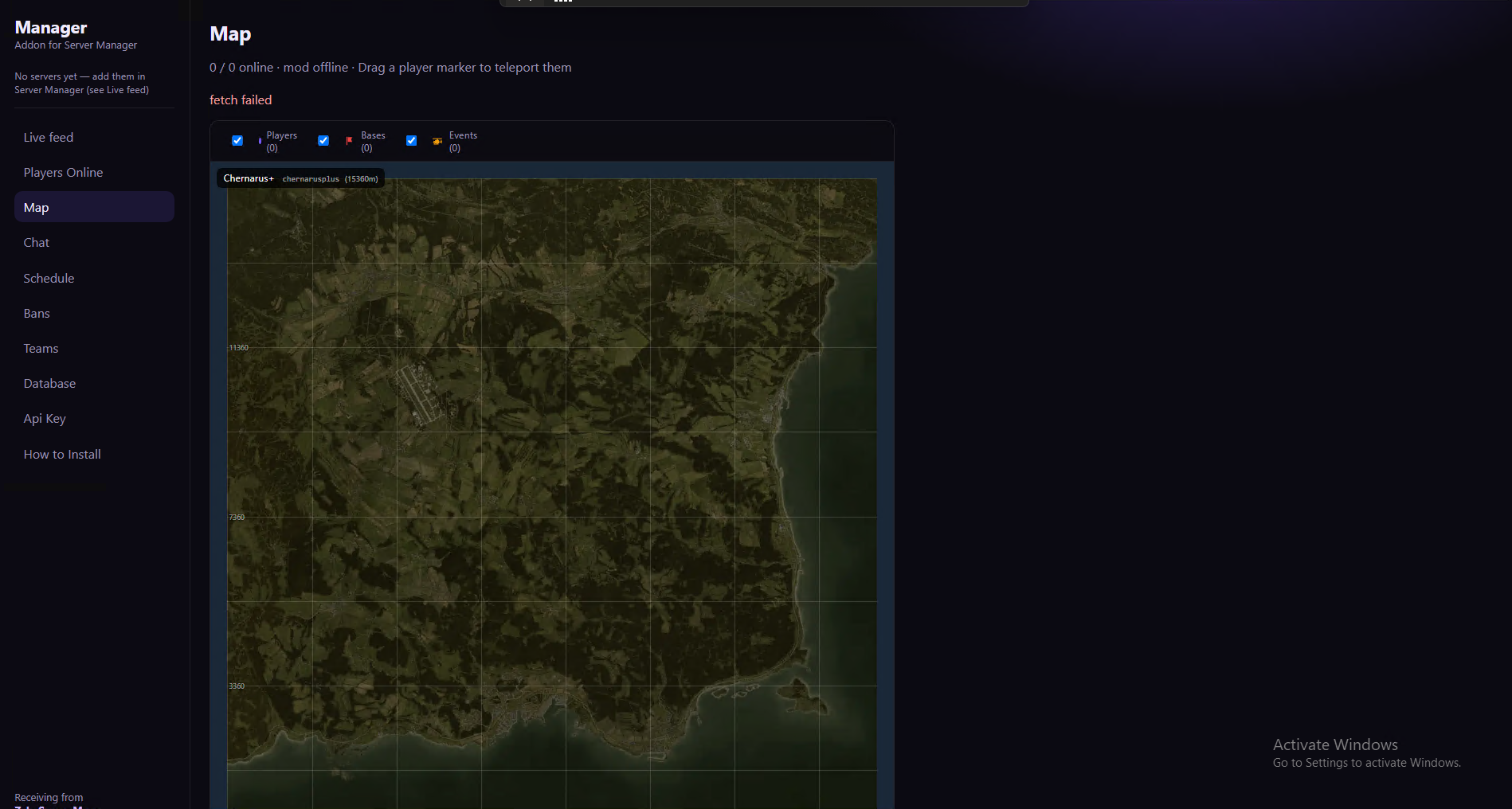
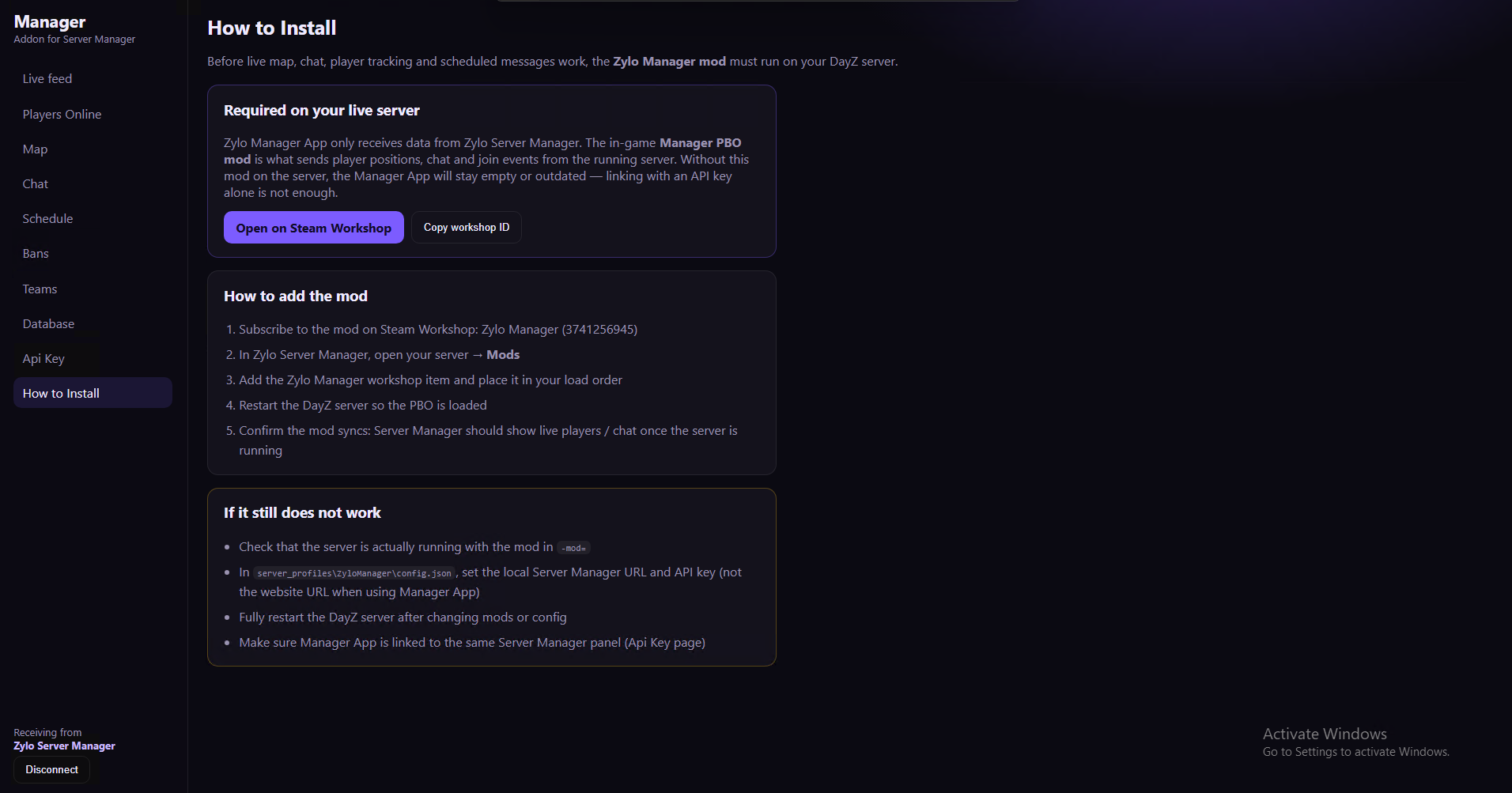
- Team login — Server Manager URL + username / password from Manager App → Teams
- Permission-based UI — only Live feed, Map, Chat, Bans, etc. that you allow
- Same live tools — players, map teleport, chat, schedule, database (when granted)
- Server switcher — jump between instances when multiple servers are online
- Optional start/stop — only if you grant
server_start_stop - No owner tools — no API key page or team admin (stays in Manager App)